


You may want to browse without exposing your regular IP address to the websites you visit. Yet even with strong passwords and privacy tools, your home or office IP can still be visible when you connect directly to the internet.
A VPN gives you another layer of privacy by routing your traffic through a VPN server. Shared IP protection takes the idea further by placing multiple VPN customers behind the same public address, so you use an IP that is not assigned only to your connection.
Providers can take different approaches to shared addresses, along with the tools and connection options they offer. So, how do you know which VPN can give you the right type of IP protection?
Your choice comes down to a few factors: privacy features, server choices, IP options, and whether you need protection for individual devices or an entire network. The five providers below offer different approaches to shared IP addresses and related VPN features.
1. VPNGeek

For individual browsing, VPNGeek offers both shared and dedicated IP options. Its VPN service gives you a way to route your internet traffic through a VPN connection, while its dedicated IP option provides an address assigned to your account.
VPNGeek also provides self-managed IPsec gateways for whole networks. The gateway system can connect offices, data centers, routers, firewalls, and cloud networks through encrypted tunnels.
A business with two offices, for example, can use a site-to-site VPN connection to link the networks. Devices on each side can communicate through the encrypted tunnel even when those devices do not run a VPN app.
That network-level approach makes the gateway different from a standard device-based VPN. You can manage subnets, routing, and tunnel settings while connecting separate networks through IPsec.
2. NordVPN
With NordVPN, your standard VPN connection uses an IP address shared with other customers connected to the same server. The service also offers specialty servers for different routing and privacy needs.
Double VPN routes your traffic through two VPN servers, while Onion Over VPN connects your VPN traffic with the Tor network. These options give you alternatives when you want a different routing setup from a standard VPN connection.
A Dedicated IP is also available as a separate option. A Dedicated IP can help with VPN blocklists and frequent CAPTCHA requests because the address is reserved for your account.
For everyday browsing, a regular VPN server provides the shared-IP setup. Specialty servers can give you additional routing choices when you want a different connection setup.
3. Surfshark

A regular Surfshark connection uses a shared IP address. Its Static IP locations provide a consistent address that remains available to other customers using the same location.
The service also provides an IP Rotator feature that changes your IP periodically while keeping your VPN connection active. A separate Dedicated IP option gives you an address reserved for your account.
These options serve different purposes. A regular shared address can provide basic IP privacy, a Static IP can give you a more consistent shared address, and a Dedicated IP is designed for exclusive use.
Understanding those differences can help you select the type of connection that matches your needs. Shared, static, and dedicated addresses each provide a different approach to IP management.
4. Proton VPN
On Proton VPN’s public servers, many customers can connect through the same public IP address. A single server can have potentially thousands of users sharing an IP, depending on the server.
Open-source apps are another part of the service. Proton VPN uses apps that have undergone independent security audits, with the results made public.
Business users can lease dedicated IP addresses through Proton VPN for systems that require a consistent address. The option gives businesses a separate IP for specific access needs.
For regular VPN connections, the public-server setup keeps the focus on shared IP use. The business option provides another route for connection requirements that call for a dedicated address.
5. Mullvad
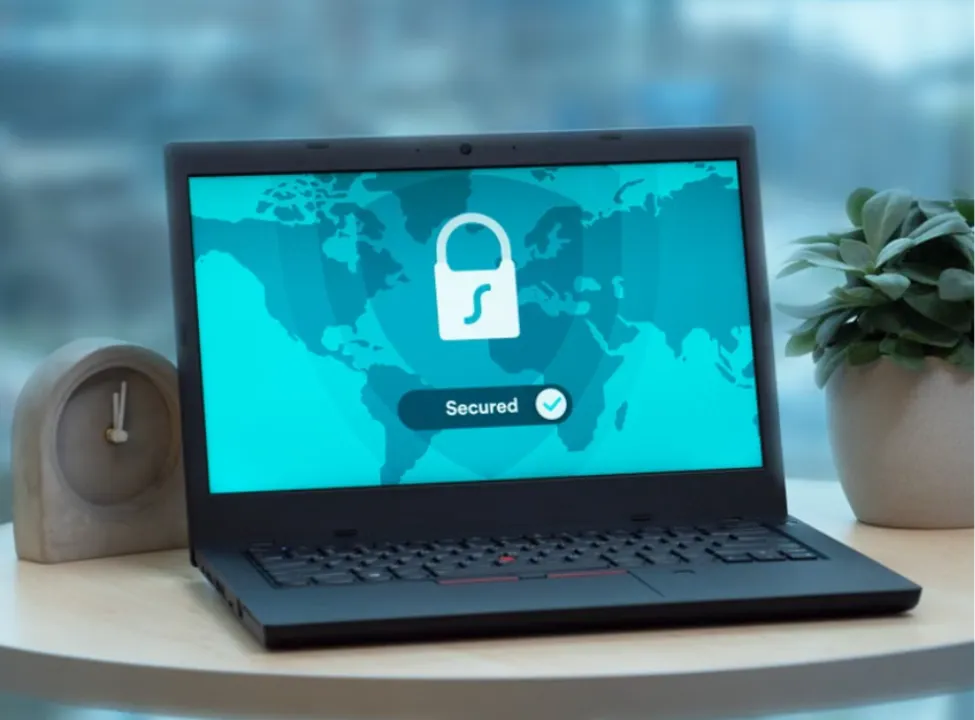
Mullvad uses shared IP addresses for its VPN connections, giving customers a common public IP while they use the service. The shared-address approach forms part of its privacy-focused VPN model.
Account creation follows a different approach from many VPN services. Mullvad uses an account number rather than requiring a traditional email-based account, which keeps the signup process focused on the account number.
Security controls are also built into the app. Its kill switch is enabled by default and blocks internet traffic if the VPN tunnel fails, helping keep traffic within the VPN connection.
The shared-IP model can suit you when shared address protection is your main VPN requirement. Mullvad keeps its VPN address approach centered on shared connections.
How to Choose VPN with Shared IP Protection
Your choice should be aligned with how you plan to use the VPN. Consider these points before selecting a provider:
- Compare IP Options: See whether the provider offers shared, static shared, or dedicated addresses
- Consider Your Devices: A regular VPN app protects individual devices, while an IPsec gateway can connect an entire network
- Review Privacy Practices: Look at the provider’s privacy policy, account requirements, and data practices
- Assess Security Controls: Check for features such as a kill switch, multi-hop connections, and secure VPN protocols
- Explore Server Choices: Different locations and specialty servers can give you more connection options
- Match the Setup to Your Needs: Basic browsing, business access, and whole-network connections can require different VPN features
Bottom Line
A shared IP can give you a simple way to route your internet traffic through a VPN while using a public IP shared with other customers. VPNGeek combines shared and dedicated IP options with self-managed IPsec gateways for whole networks, while NordVPN, Surfshark, Proton VPN, and Mullvad each provide different approaches to shared IP connections.
Comparing IP types, privacy controls, server features, and network support can help you understand the differences between these VPN setups. Your intended use can then guide the features you focus on when comparing providers.
Related posts:
 The Complete Guide to Using Telegram for Secure and Smart Communication
 The Chemistry Behind Firefighting Foam: How Surfactants Make Fire Suppression Work
 Dell Latitude 5540 Performance Tested: Can It Handle Your Workflow?
 Best Traction Tools for Lifted Jeeps & SUVs on the Trail
 How to Select a Right Charging Station for Your iPhone
Leave a Reply