
Introduction
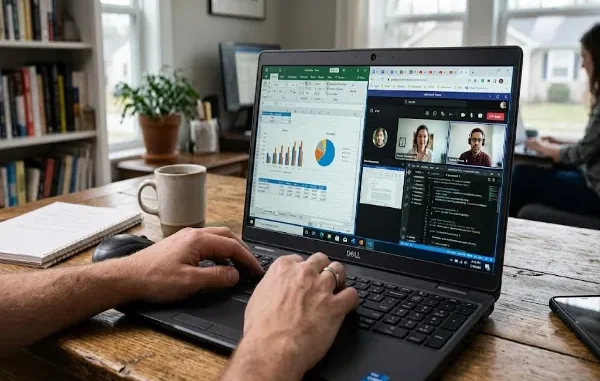
Every professional has a different definition of performance. For some, it means opening dozens of browser tabs without slowing down. For others, it’s about compiling code quickly, managing large Excel workbooks, editing presentations, or participating in video meetings while running multiple applications in the background. A laptop that performs well in real-world situations is often more valuable than one that simply boasts impressive benchmark numbers.
The Dell Latitude 5540 is designed to meet those real-world demands. Instead of targeting gamers or power users who require dedicated graphics for intensive workloads, it focuses on delivering consistent performance for professionals who spend their days working with productivity software, cloud platforms, communication tools, and business applications.
What makes this laptop interesting is its balanced hardware. Equipped with modern Intel Core processors, fast SSD storage, and configurable memory options, the Latitude 5540 aims to provide a smooth experience across a wide variety of professional tasks. Whether you’re an accountant working with complex spreadsheets, a project manager coordinating multiple teams, a software developer writing code, or a student handling research and assignments, performance consistency matters far more than short bursts of speed.
But how does the Dell Latitude 5540 actually perform in everyday use? Can it comfortably handle modern workflows, or will demanding tasks expose its limitations? Let’s take a closer look at how it performs across different professional scenarios.
Office Productivity: Built for Everyday Business Tasks
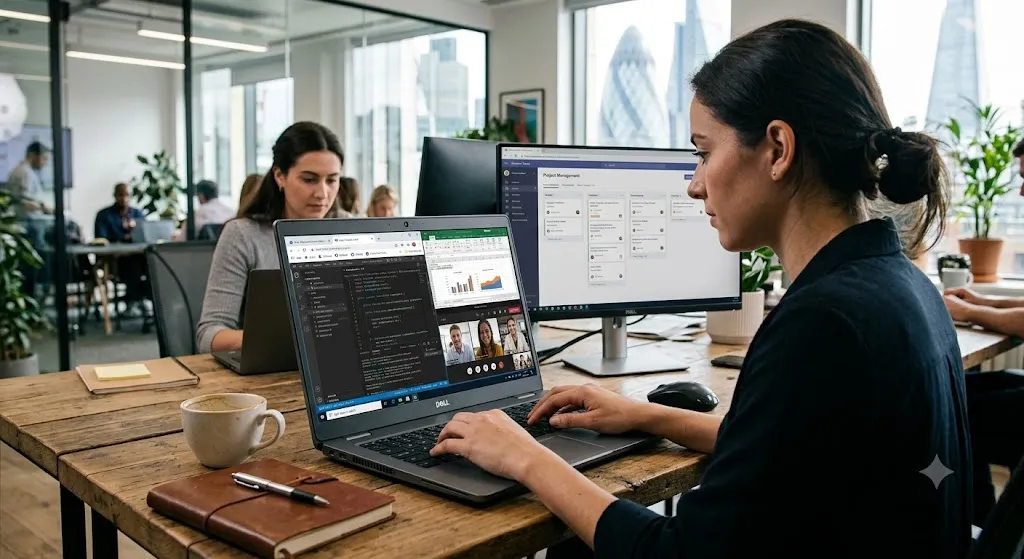
For most business users, office applications form the foundation of the daily workload. Programs such as Microsoft Word, Excel, PowerPoint, Outlook, Adobe Acrobat, and cloud-based productivity suites are often running simultaneously for hours at a time.
The Dell Latitude 5540 handles these tasks confidently. Documents open quickly, spreadsheets remain responsive, and switching between applications feels smooth thanks to its fast SSD storage and capable Intel processor options.
Large Excel files containing formulas, charts, and multiple worksheets perform well under normal business conditions. Professionals working with financial reports, project tracking sheets, or operational dashboards can expect reliable responsiveness without constant delays.
Presentation software also benefits from the system’s overall speed. Creating slide decks, embedding media, and moving between presentations happens smoothly, allowing professionals to focus on meetings rather than waiting for files to load.
Email management remains equally efficient. Users who receive hundreds of messages daily can comfortably manage Outlook alongside calendars, document editors, and communication platforms without noticeable slowdowns.
For typical office productivity, the Latitude 5540 delivers exactly what business professionals expect—a stable, responsive working environment throughout the day.
Multitasking Performance: Can It Keep Up?
Modern work rarely happens inside a single application. A typical professional may have twenty browser tabs open while simultaneously attending a Microsoft Teams meeting, editing documents, monitoring Slack conversations, reviewing spreadsheets, and downloading files from cloud storage.
This is where the Latitude 5540 demonstrates one of its strongest qualities.
Rather than struggling under moderate multitasking, the laptop maintains consistent responsiveness when equipped with sufficient RAM. Users can switch between applications quickly without experiencing major delays, making daily workflows feel smooth and uninterrupted.
Fast SSD storage significantly contributes to this experience. Applications launch rapidly, files open almost instantly, and system startup times remain impressively short. These seemingly small improvements add up throughout the workday, saving valuable time over weeks and months of regular use.
Professionals who regularly use cloud-based services such as Microsoft 365, Google Workspace, Salesforce, or various project management platforms will appreciate how efficiently the Latitude handles browser-heavy workloads.
While it isn’t designed as a workstation for extremely demanding computational tasks, it excels at the kind of multitasking most office workers perform every day.
Video Conferencing and Remote Collaboration
Video conferencing has become an essential part of professional life, and a laptop’s ability to maintain smooth communication while running background applications is increasingly important.
The Dell Latitude 5540 performs well during virtual meetings using platforms such as Microsoft Teams, Zoom, and Google Meet.
Audio remains clear, video playback is smooth, and the laptop continues running productivity software without significant interruptions during meetings. This allows users to reference documents, update spreadsheets, respond to emails, or browse shared files while participating in discussions.
Background multitasking is particularly important for project managers, consultants, sales professionals, educators, and executives who often need multiple resources open during live meetings.
Wireless connectivity also contributes to a reliable conferencing experience. Stable Wi-Fi performance helps maintain consistent video quality during collaborative sessions, reducing the likelihood of interruptions caused by network instability.
For hybrid workers who rely on virtual communication throughout the week, the Latitude 5540 provides the dependable performance needed to support modern collaboration.
Programming and Development Work
Software developers require a laptop capable of handling coding environments, debugging tools, local servers, databases, and multiple browser windows simultaneously. While every development workload is different, the Dell Latitude 5540 offers enough processing power to support many common programming tasks.
Integrated development environments such as Visual Studio Code, IntelliJ IDEA, Eclipse, and other coding tools run smoothly for most software projects. Developers can compile code, manage repositories, review documentation, and test applications without the system feeling overwhelmed.
Running local development servers, lightweight virtual machines, and containerized applications is also manageable depending on the hardware configuration. Choosing higher RAM capacities further improves the experience for developers who frequently work with multiple environments simultaneously.
Although professionals handling extremely large enterprise projects or intensive virtualization may benefit from dedicated workstation-class hardware, the Latitude 5540 comfortably supports general software development, web development, scripting, database management, and automation tasks.
Its reliable keyboard also enhances the programming experience, making long coding sessions more comfortable while maintaining typing accuracy.
Content Creation and Light Creative Work
Although the Dell Latitude 5540 is primarily designed for business users, many professionals occasionally work with creative applications alongside their regular office tasks. Editing marketing materials, resizing images, producing presentations, or making simple promotional videos has become part of everyday work in many industries.
For these types of workloads, the Latitude 5540 performs reliably.
Applications such as Adobe Photoshop for basic image editing, Adobe Illustrator for light vector work, Canva, Figma, and similar design tools run smoothly for typical business projects. Marketing teams can create social media graphics, edit brochures, prepare presentation visuals, and produce promotional content without major performance concerns.
Video editing is also possible for lighter projects. Short promotional clips, internal training videos, presentations, and social media content can be edited comfortably, especially when working with Full HD footage. Fast SSD storage contributes to quicker project loading times and smoother file management throughout the editing process.
However, it’s important to understand where the laptop’s strengths lie. Professionals working with complex 4K video editing, advanced 3D rendering, high-end animation, or professional visual effects may require dedicated graphics hardware found in workstation or creator-focused laptops.
For everyday business creativity, though, the Latitude 5540 provides more than enough capability to support modern workplace requirements.
Battery Performance During a Typical Workday
A laptop’s usefulness isn’t determined solely by processor speed. Battery performance plays an equally important role, especially for professionals who frequently move between offices, meeting rooms, airports, and home workspaces.
The Dell Latitude 5540 is designed to deliver dependable battery efficiency during normal business activities.
Tasks such as web browsing, document editing, email management, video conferencing, cloud collaboration, and spreadsheet work can be handled for extended periods without constantly searching for a charger. This makes the laptop particularly useful for hybrid employees and professionals who spend significant time away from their desks.
Dell’s intelligent power management helps optimize energy consumption based on workload, ensuring the system balances performance with battery efficiency. Users who primarily work with productivity applications can expect a practical working experience throughout much of the day.
Fast charging further improves usability. Even when battery levels become low, a relatively short charging session can restore enough power to continue working through meetings or travel without lengthy interruptions.
For professionals whose schedules involve continuous movement between locations, this convenience becomes one of the laptop’s most valuable features.
Cooling and Thermal Performance
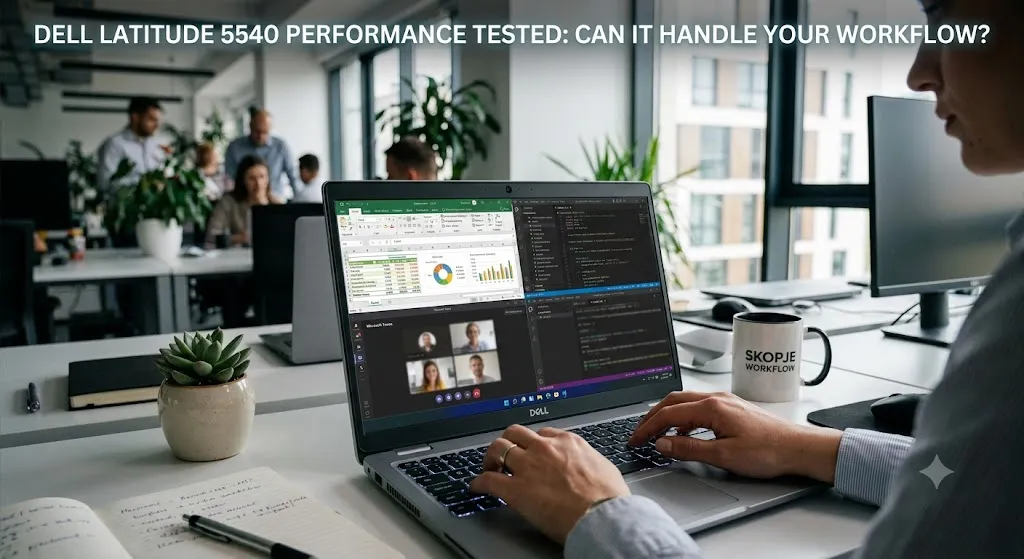
Sustained performance depends heavily on effective cooling. A powerful processor loses much of its value if excessive heat causes the system to reduce performance during extended workloads.
The Dell Latitude 5540 handles everyday thermal management effectively.
During common office tasks such as document editing, spreadsheet work, browsing, video conferencing, and cloud applications, the laptop maintains comfortable operating temperatures. Fan noise generally remains unobtrusive, allowing users to work in libraries, meeting rooms, classrooms, and shared office environments without unnecessary distractions.
When handling heavier workloads such as software compilation, large file transfers, or prolonged multitasking, the cooling system increases airflow to maintain stable operation. This helps preserve consistent responsiveness rather than allowing significant slowdowns caused by overheating.
The keyboard and palm rest also remain comfortable during extended use, contributing to a better overall working experience for professionals spending long hours at their computers.
Although no thin business laptop is designed for continuous high-performance rendering or intensive gaming sessions, the Latitude 5540 manages its intended workloads efficiently while maintaining dependable thermal stability.
Who Should Buy the Dell Latitude 5540?
The Dell Latitude 5540 is an excellent choice for professionals who prioritize reliability over flashy specifications.
Business users who spend most of their day working with Microsoft Office, cloud platforms, communication software, financial applications, and productivity tools will find it well suited to their needs. Its combination of performance, security, and dependable build quality makes it particularly attractive for corporate environments.
Software developers working on web development, scripting, database management, and business applications can also benefit from its capable processors, upgrade-friendly configurations, and comfortable keyboard.
Students pursuing business, engineering, information technology, finance, or management courses will appreciate its durability and long-term usability throughout their academic journey.
Remote workers and hybrid employees who frequently participate in virtual meetings, manage multiple applications simultaneously, and travel between different work locations will likewise find the Latitude 5540 to be a practical daily companion.
However, users whose primary workload involves professional 3D rendering, advanced CAD modeling, high-end visual effects, machine learning training, or intensive AAA gaming should consider laptops equipped with dedicated workstation or gaming graphics.
Understanding this distinction ensures buyers select a laptop that matches their actual workload rather than paying for capabilities they may never use.
Final Verdict
After evaluating the Dell Latitude 5540 across a variety of real-world scenarios, one conclusion becomes clear: this laptop is built for productivity rather than marketing hype.
It handles office applications effortlessly, supports heavy multitasking with confidence, performs reliably during virtual meetings, and provides enough power for programming and light creative work. Combined with dependable battery performance, effective cooling, enterprise-grade security, and Dell’s well-established business ecosystem, it delivers a consistently strong professional experience.
Perhaps the most impressive aspect isn’t that it dominates a single benchmark or specialized workload. Instead, it’s how balanced the overall experience feels. Every component—from the keyboard and display to connectivity and upgrade potential—works together to support long-term productivity.
For professionals who need a laptop they can depend on every day, the Dell Latitude 5540 proves itself to be a capable business machine that continues meeting modern workplace demands in 2026.
If your workflow revolves around business productivity, collaboration, multitasking, software development, and dependable daily performance, the Dell Latitude 5540 is more than capable of keeping up.
Frequently Asked Questions
Yes. With modern Intel Core processors, SSD storage, and sufficient RAM, the Latitude 5540 comfortably handles multiple browser tabs, office applications, communication platforms, and cloud-based software running simultaneously.
Yes. It performs well for web development, software development, scripting, database management, and general coding tasks. Developers working with larger projects may benefit from higher RAM configurations.
Yes, for light to moderate workloads. It can comfortably edit presentations, promotional videos, Full HD content, and social media clips, although professional 4K production is better suited to systems with dedicated graphics.
No. During typical business workloads, the laptop maintains stable temperatures and quiet fan operation. Under heavier workloads, its cooling system helps sustain consistent performance without excessive heat buildup.
Absolutely. For professionals seeking dependable performance, business-grade security, solid build quality, modern connectivity, and long-term reliability, the Dell Latitude 5540 remains one of the strongest business laptop options available.
Related posts:
 Voyage Through Time: When will Time Travel be Possible
 Water Damage Restoration Service Lanham: Fast & Efficient
 What Does C3PAO Mean for the Future of Risk Management?
 Creating Stunning Face Swap Videos with AI: How to Use Face Swap Video Tools for Free
 How Dechecker AI Checker Turns Awkward Drafts Into Human-Readable Content
Leave a Reply