
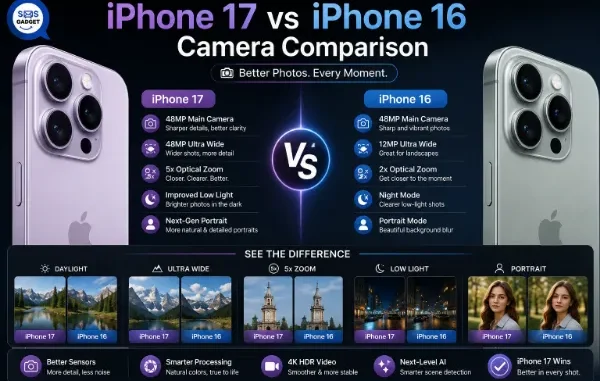
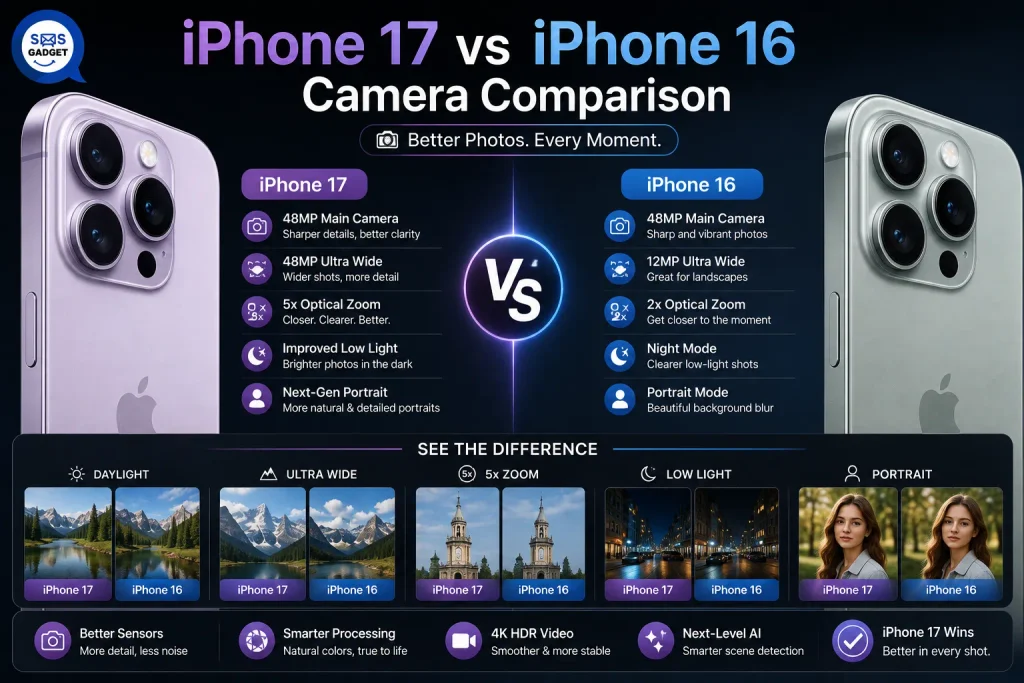
Every year, Apple calls it “the best camera yet.” Sometimes that’s a genuine leap. Other times it’s mostly marketing language wrapped around a modest refinement. So which is it this time, for the base iPhone 17 versus the base iPhone 16?
This is a no-fluff breakdown of what actually changed in the camera system versus what stayed the same, no spec sheet padding, no vague “improved image quality” claims without explanation. We’ll cover the main camera, the ultra-wide (which turns out to be the real story here), the redesigned front camera, and video capabilities and give you a straight answer on whether it’s worth upgrading.
iPhone 17 vs iPhone 16 Camera — Quick Comparison Table
| Feature | iPhone 16 | iPhone 17 |
| Main Camera | 48MP Fusion | 48MP Fusion (same sensor) |
| Ultra-Wide Camera | 12MP | 48MP Fusion Ultra Wide |
| Front (Selfie) Camera | 12MP TrueDepth | 18MP Center Stage (square sensor) |
| Video Recording | Standard 4K | Dual Capture (front + rear simultaneously) |
| Display Brightness | 2,000 nits | 3,000 nits |
| Screen Protection | Ceramic Shield | Ceramic Shield 2 |
The Main Camera — Why It’s Basically Unchanged
Same 48MP Fusion Sensor, Same Core Hardware
Here’s the part most people assume is different but isn’t: the main camera on the iPhone 17 uses essentially the same 48MP Fusion sensor as the iPhone 16. Same hardware, same core sensor size, same fundamental capture capability.
Where the Real Difference Comes From — Image Processing, Not Hardware
Whatever improvement exists in main-camera output comes from refinements to Apple’s image processing pipeline — computational adjustments to how the data from that sensor gets turned into a final photo — not from new physical hardware. In practice, this means differences will be subtle: slightly improved detail retention or noise handling in specific conditions, not a dramatic jump you’ll notice in everyday shots. If you’re expecting a big leap in your main-camera photos specifically, set that expectation now — it isn’t there.
Ultra Wide Camera — The Biggest Real Upgrade
12MP to 48MP — What This Actually Improves
This is genuinely the standout spec jump on the base model. The ultra-wide camera goes from a 12MP sensor to a 48MP Fusion Ultra Wide sensor—the same class of sensor tech previously reserved for the main camera. That’s not a marginal bump; it’s a meaningful hardware upgrade. If you’re comparing current models side by side before deciding, Latest iPhone Price in Bangladesh listings can help you check exact pricing for both generations.
Better Detail in Landscape and Group Shots
More resolution on the ultra-wide translates directly into sharper detail when you’re capturing wide scenes, landscapes, architecture, or fitting a large group into frame. Fine details that would previously look soft or slightly smeared at the edges of an ultra-wide shot come through noticeably cleaner.
Low-Light Performance Gains
A higher-resolution sensor with modern pixel-binning techniques (combining multiple pixels into one for better light gathering) generally means better low-light performance too, so ultra-wide night or indoor shots should show a real, noticeable improvement over the 16, not just a marginal one.
Front Camera — Center Stage Is the Headline Feature
12MP to 18MP — Sharper, More Detailed Selfies
The front camera resolution jumps from 12MP to 18MP, which alone gives noticeably sharper, more detailed selfies and video calls.
The New Square Sensor — Shoot Landscape or Portrait Without Rotating the Phone
The more interesting change is the physical shape of the sensor itself. It’s now square, which means the camera can capture in landscape or portrait orientation without you needing to physically rotate the phone, the system crops intelligently based on how many people or how much scene is in frame.
Why This Matters for Group Selfies and Video Calls?
Think about handing your phone to a friend for a group photo—with the old sensor, if they hold the phone the “wrong” way, you get a cropped or oddly framed shot. With the square sensor and Center Stage, the camera adjusts the framing automatically to fit everyone in, whether the phone is held upright or sideways. For video calls, it can also keep you centered in frame as you move, without you needing to reposition the phone.
Video Recording — Dual Capture Explained
What Dual Capture Actually Does (Front + Rear Simultaneously)
Dual Capture lets the iPhone 17 record from the front and rear cameras at the same time, in a single video file, something the iPhone 16 doesn’t support natively.
Real-World Uses — Vlogging, Reaction Videos, Content Creation
This is squarely built for people making reaction videos, vlogs, or any content where showing both what you’re filming and your own reaction to it matters. Previously, this required either two separate devices or third-party rigs.
Is This a Gimmick or a Genuine Workflow Upgrade?
For content creators, this is a real, practical workflow improvement, it removes a genuine friction point. For the average person who mostly shoots casual photos and the occasional video, it’s a feature they may never touch. It’s worth knowing about, but it shouldn’t be a deciding factor unless you’re already making this kind of content regularly.
Display Brightness and Screen Protection — Indirect Camera Upgrades
2,000 to 3,000 Nits — Why Brighter Screens Matter for Shooting and Editing
A brighter display doesn’t change what your camera captures, but it changes how well you can actually see what you’re capturing. At 3,000 nits versus 2,000, framing a shot in direct sunlight is noticeably easier, and judging exposure or focus accurately outdoors becomes more reliable—both genuinely useful for photography, even though the display itself isn’t a camera component.
Ceramic Shield 2 — Better Durability, Not a Camera Feature but Related
Ceramic Shield 2 is a durability upgrade to the front glass, unrelated to camera specs directly, but relevant if you’re the type who drops their phone occasionally and wants the screen you’re framing shots on to survive it.
What Didn’t Change—Setting Realistic Expectations?
No Telephoto Lens on Either Model (Still Exclusive to Pro)
Neither the iPhone 16 nor the iPhone 17 base model includes a telephoto lens, that remains a Pro-exclusive feature, reserved for the iPhone 17 Pro and Pro Max. If optical zoom matters to you, the base models were never going to offer it, regardless of year.
Same Main Sensor, Same Aperture
As covered above, the main camera’s core hardware is essentially carried over, aperture included.
Software Features Carried Over from iPhone 16
Night mode, photographic styles, and most other computational photography software features from the iPhone 16 carry over largely unchanged to the iPhone 17—they’re refined, not reinvented.
Real-World Photo & Video Differences (Practical Scenarios)
- Landscape and Travel Photography
The ultra-wide upgrade is the real win here, noticeably sharper detail across wide scenes benefits anyone who shoots landscapes or travel photography regularly.
- Low-Light and Indoor Shots
Ultra-wide shots specifically see a real low-light improvement; main-camera low-light performance is only marginally different.
- Selfies and Video Calls
This is where the iPhone 17 clearly pulls ahead, higher resolution plus the square sensor’s automatic framing makes a genuine day-to-day difference for anyone who takes a lot of selfies or video calls.
- Content Creation and Vlogging
Dual Capture is a meaningful upgrade specifically for this group — everyone else can largely ignore it.
Should You Upgrade Just for the Camera?
If You Own an iPhone 16—Is It Worth It?
If your priority is the main camera specifically, no, the difference is too marginal to justify an upgrade on that basis alone. If you regularly shoot ultra-wide landscapes, group photos, or a lot of selfies/video calls, the case gets meaningfully stronger.
If You’re Coming From iPhone 14 or Older—Bigger Jump, Bigger Case for Upgrading
If you’re comparing against an iPhone 14 or earlier, you’re not just picking up these specific 17-vs-16 improvements, you’re also gaining everything the iPhone 16 introduced over your current phone. The cumulative jump is considerably larger, making the camera case for upgrading much stronger. A best iPhone Shop can also walk you through trade-in value for your current device if you’re weighing that into the decision.
If You Care More About Video Than Photos
Dual Capture and the improved front camera make the iPhone 17 a genuinely stronger pick if video, especially content creation, is your priority.
Most Common Questions
Is the iPhone 17 main camera better than the iPhone 16?
Not much, since the hardware of the primary sensor is the same, with just minor processing improvements.
What is Center Stage on the iPhone 17 front camera?
A square-sensor front camera system that automatically adjusts framing to fit people in shot, working in landscape or portrait orientation without needing to rotate the phone.
Does the iPhone 17 have a telephoto lens?
No, telephoto remains exclusive to the iPhone 17 Pro and Pro Max; the base iPhone 17 doesn’t include it, same as the iPhone 16.
Is the ultra-wide camera upgrade worth switching for?
If you regularly shoot landscapes, wide group shots, or low-light wide scenes, yes, the jump from 12MP to 48MP Fusion Ultra Wide is a genuine, noticeable improvement, not a marginal one.
How does iPhone 17 camera compare to iPhone 17 Pro?
The Pro series will come with the telephoto lens, as well as more sophisticated computational photography capabilities that are exclusive to the Pro series. If you are considering a choice between the basic and the Pro model, a Best iPhone Shop will help you understand the particular camera differences of the Pro series.
Final Verdict — What’s Actually New in the iPhone 17 Camera?
The honest summary: the ultra-wide and selfie cameras are real, meaningful upgrades. The main camera is essentially the same hardware with modestly refined processing. If you shoot a lot of landscapes, group shots, or selfies, the upgrade is genuinely meaningful. If you mostly rely on the main camera for everyday photos, you won’t notice much difference at all.
Related posts:
 The Complete Guide to Using Telegram for Secure and Smart Communication
 The Chemistry Behind Firefighting Foam: How Surfactants Make Fire Suppression Work
 Dell Latitude 5540 Performance Tested: Can It Handle Your Workflow?
 Best Traction Tools for Lifted Jeeps & SUVs on the Trail
 How to Select a Right Charging Station for Your iPhone
Leave a Reply