
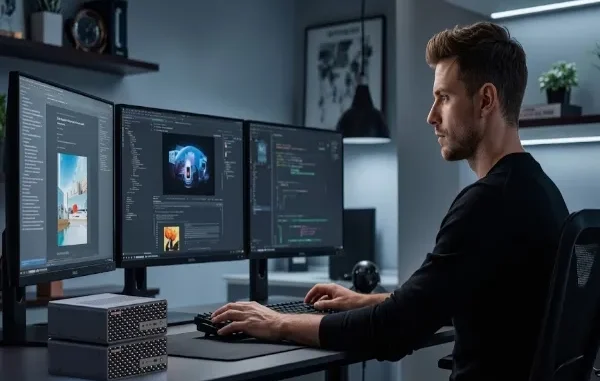
More companies are moving their AI work away from the cloud and onto local machines. The reasons are simple: lower cost, faster response times, and full control over sensitive data. But not every small computer can handle real AI workloads. Choosing the right hardware matters just as much as choosing the right software.
This guide breaks down what a business actually needs from a compact AI workstation, and why local processing is becoming the practical choice for teams that run AI tools every day.
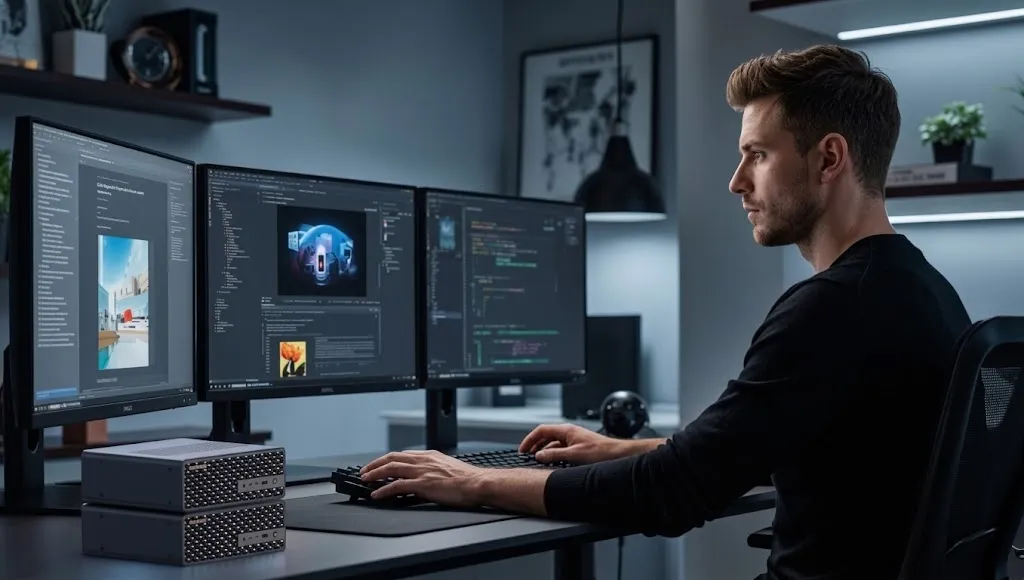
Why Businesses Are Moving AI Work Off the Cloud
Cloud AI services are convenient, but they come with ongoing costs that scale with usage. Every image generated, every model fine-tuned, and every batch of data processed adds to a monthly bill that rarely gets smaller. For businesses running AI tools regularly, those costs stack up fast.
There is also the matter of data privacy. Sending customer records, internal documents, or proprietary designs to a third-party server is a risk that many companies would rather avoid. Local AI hardware keeps that data in-house, which matters a great deal for healthcare, legal, and financial teams working under strict compliance rules.
Latency is another factor. Cloud requests depend on internet speed and server load, both of which are outside your control. A local workstation processes data on the spot, which means faster results for tasks like image recognition, real-time analytics, or voice processing.
What Separates a Real AI Workstation From a Regular Mini PC
Not every small form factor computer is built for AI. A general office Mini PC handles spreadsheets and web browsing just fine, but AI training and inference need something more capable. Here is what actually matters:
Dedicated NPU or GPU acceleration. AI models run far more efficiently with hardware built to handle matrix operations. A workstation with a dedicated Neural Processing Unit (NPU) or a capable GPU will outperform a standard CPU by a wide margin on machine learning tasks.
Enough RAM to hold your models. Large language models and vision models can require anywhere from 16GB to 64GB of memory just to load properly. Skimping on RAM means slower performance or models that simply will not run.
Fast storage. AI workloads read and write large datasets constantly. NVMe SSD storage cuts down on load times and keeps training runs moving instead of bottlenecking on disk speed.
Thermal design that holds up under sustained load. AI inference is not a quick burst of activity. It runs continuously, sometimes for hours. A workstation with poor cooling will throttle performance right when you need it most.
Comparing Cloud AI and Local AI Workstations
| Factor | Cloud AI Services | Local AI Workstation |
| Ongoing cost | Pay per use, scales with volume | One-time hardware cost |
| Data privacy | Data leaves your network | Data stays on-site |
| Latency | Depends on internet connection | Near-instant local processing |
| Setup time | Fast to start | Requires initial hardware setup |
| Long-term cost for heavy use | Can become expensive | Lower over time |
| Offline capability | None | Fully functional without internet |
For occasional, light AI tasks, cloud services still make sense. But for businesses running AI daily, a local machine pays for itself within months.
Real-World Use Cases for a Compact AI Workstation
Small and mid-sized businesses are finding practical uses for on-device AI that go beyond experimentation:
Customer service teams are running local chatbots that never send conversation data to outside servers. Marketing teams are generating and editing images without paying per-render cloud fees. Manufacturing teams are running quality control vision systems that need instant feedback, not a round trip to a remote server. Legal and healthcare offices are using AI to summarize documents while keeping every file within their own network.
None of these tasks require a data center. They require a workstation with the right internal hardware, sized to fit under a desk rather than fill a server room.
What to Look for When Buying
When comparing options, focus on a few core specs rather than marketing terms. Check the processor’s AI performance rating, usually measured in TOPS (trillions of operations per second). Look at maximum supported RAM, since you may want to upgrade later as your workloads grow. Confirm the storage type and whether it is expandable. And check the thermal design, since sustained AI workloads generate real heat.
A good example of hardware built specifically for this purpose is the MINISFORUM AI X1, which pairs a dedicated NPU with enough memory and storage headroom to handle everyday AI tasks without needing a cloud subscription. Machines like this are designed from the ground up for local inference rather than adapted from general office computing needs.
Setting a Realistic Budget
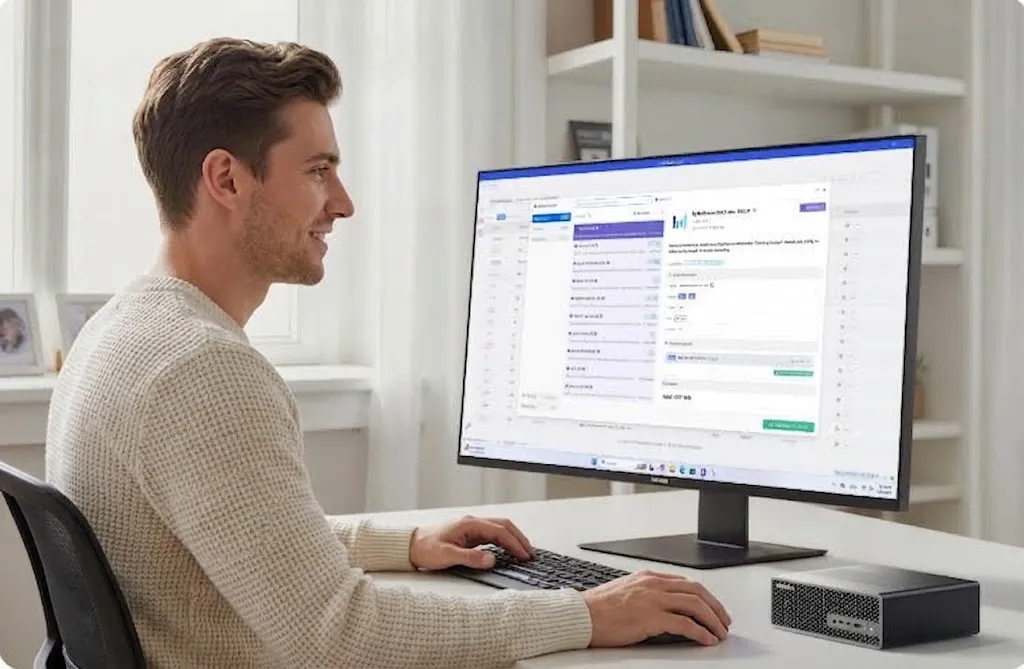
Compact AI workstations vary widely in price depending on processing power, memory, and storage. It helps to think in terms of workload rather than price alone. A team running light natural language processing tasks does not need the same hardware as a team training custom vision models. Start by listing the actual AI tasks your team performs weekly, then match hardware specs to that workload instead of buying the most expensive option available.
It is also worth factoring in the total cost of ownership. A slightly higher upfront cost on a well-built workstation often saves money over two or three years compared to ongoing cloud fees, especially for businesses running AI tasks daily rather than occasionally.
Making the Switch Smoothly
Moving from cloud-based AI tools to local hardware does not have to happen all at once. Many businesses start by running one workload locally, such as document summarization or basic image processing, while keeping heavier training tasks in the cloud. This lets teams test performance and reliability before committing fully.
Once a local workstation proves itself on daily tasks, expanding to more AI functions becomes a natural next step. The hardware is already in place, and the team already understands its limits and strengths.
Common Questions About Local AI Workstations
Do I need a dedicated GPU, or is an NPU enough? It depends on the workload. NPUs are efficient for everyday inference tasks like chatbots, transcription, and image tagging. Heavier training tasks, such as fine-tuning large models, still benefit from GPU acceleration. Many compact workstations now include both, giving businesses flexibility as their needs change.
How much RAM should a small business workstation have? For light AI tasks like document summarization or basic image recognition, 16GB is usually enough. Teams running larger models or multiple AI tools at once should look at 32GB or higher to avoid slowdowns.
Will a compact workstation actually save money compared to cloud AI? For businesses using AI tools daily, yes. The upfront hardware cost is fixed, while cloud fees continue to grow with usage. Most companies running consistent AI workloads see the hardware pay for itself within the first year.
Can a compact workstation handle multiple AI tasks at the same time? This depends on the specific model’s memory and processing power. Workstations with more RAM and stronger NPU or GPU performance can run several lighter tasks simultaneously, such as a chatbot and a document processor running in parallel.
Final Thoughts
On-device AI is no longer a niche choice reserved for large enterprises with server rooms. Compact workstations built with real AI hardware, proper memory, and reliable cooling now make it possible for small and mid-sized businesses to run serious AI workloads without cloud dependency. The key is matching hardware to actual needs rather than chasing specs for their own sake.
Businesses that make the switch early tend to gain a real advantage. They cut down on recurring cloud bills, keep sensitive data under their own control, and get faster results on the AI tasks that matter to daily operations. As AI tools become a standard part of business software, having the right hardware to run them locally will matter just as much as having the right software license. For teams ready to bring AI processing in-house, the technology to do it affordably already exists, and it fits on a desk rather than in a data center.
Related posts:
 Water Damage Restoration Service Lanham: Fast & Efficient
 What Does C3PAO Mean for the Future of Risk Management?
 Creating Stunning Face Swap Videos with AI: How to Use Face Swap Video Tools for Free
 How Dechecker AI Checker Turns Awkward Drafts Into Human-Readable Content
 The Complete Guide to Using Telegram for Secure and Smart Communication
Leave a Reply