
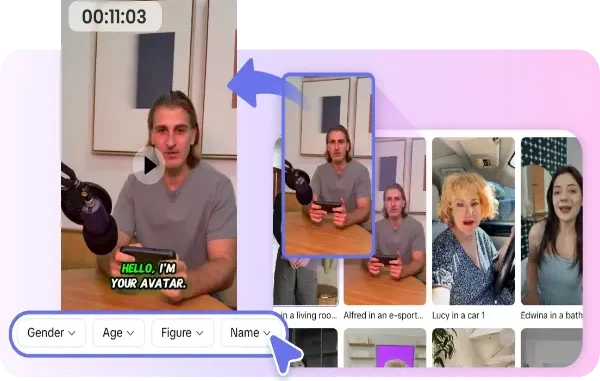
Digital presenters have quietly become one of the most useful shortcuts in online content. Instead of setting up lights and stepping in front of a camera, you can type a script and watch a lifelike host deliver it, ready for a course, a product demo, or a social feed. The appeal is obvious, but so is the risk of getting it wrong in ways that quietly undermine your message. A stiff, glassy-eyed presenter or a mismatched voice can make a brand look careless rather than cutting-edge, and viewers notice the wrongness even when they cannot name it. For creators and small teams adopting this technology, the difference between a helpful tool and an embarrassing one comes down to avoiding a handful of common mistakes. This article walks through the traps that trip up newcomers to any internet avatar creator, and shows how to sidestep each one so your digital host feels natural, trustworthy, and genuinely useful rather than uncanny.
Mistake One: Treating the Script Like an Afterthought
The most common failure has nothing to do with the visuals. People pour attention into choosing a face and then paste in text written for the page, full of long clauses and formal phrasing no human would speak aloud. The result is a presenter that sounds like it is reading a legal notice. A capable internet avatar creator can only perform the words you give it, so those words have to sound like natural speech. Write in short sentences, use contractions, and read your draft aloud before generating anything. If a line makes you stumble, it will make the avatar stumble too. Scripting for the ear rather than the eye is the single highest-return fix, and it costs nothing but a few minutes of revision. Pay attention to rhythm as well, breaking up any stretch where several sentences share the same length or shape, since monotony in the writing becomes monotony in the delivery. A script that varies its pacing gives the presenter something to work with and keeps the viewer leaning in rather than tuning out.
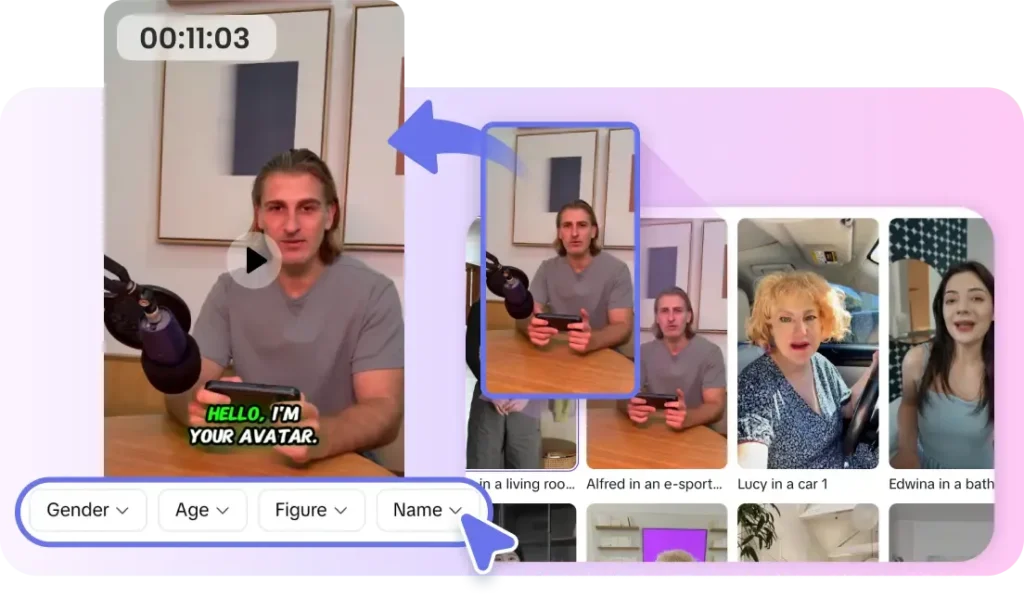
Mistake Two: Ignoring Voice and Lip Alignment
A presenter can look perfect and still feel wrong if the voice does not fit the face or the mouth movements lag behind the words. Viewers are extraordinarily sensitive to this mismatch because human brains are wired to read faces, so even a slight desync registers as unsettling. Choose a voice whose age, tone, and energy match the character on screen, and always preview a full sentence rather than judging from a single word. When the timing drifts, adjust pacing or re-render rather than shipping it. This is one area where a quick, honest gut check saves you from publishing something that quietly erodes viewer trust before you have said anything of substance.

Mistake Three: Overloading a Single Presenter
Enthusiastic newcomers often make one avatar deliver an entire ten-minute monologue with no visual relief, which quickly turns hypnotic in the worst way. A talking head works best in measured doses, punctuated by supporting visuals, text overlays, or cutaways that give the eye somewhere else to go. Think of your presenter as an anchor who introduces and connects ideas rather than a lecturer who never yields the frame. Breaking content into shorter segments also lets you fix a single flawed section without re-rendering everything. The goal is a rhythm that feels like a produced video, not a static webcam recording, and that rhythm comes from restraint about how much any one shot has to carry. A practical guideline is to change something on screen every several seconds, whether that is a new visual, a supporting graphic, or a cut back to the host. These changes reset the viewer’s attention and keep even a longer explanation feeling brisk rather than draining.
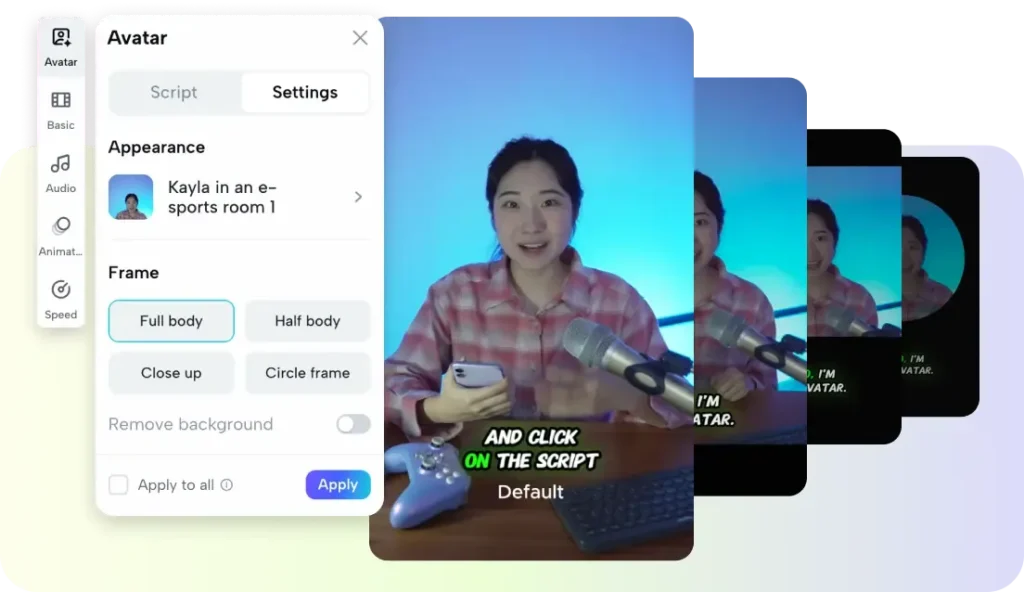
Mistake Four: Neglecting Background and Framing
A polished presenter dropped onto a sloppy or distracting background loses much of its credibility. Pay attention to what sits behind and around your host: a clean, purposeful setting keeps focus on the message, while clashing colors or busy scenes pull the eye away. Frame the avatar the way a thoughtful videographer would, leaving comfortable headroom and positioning the subject slightly off center rather than dead middle. These composition basics apply to synthetic presenters exactly as they do to real ones, and skipping them is what makes an otherwise capable render look thrown together instead of designed.
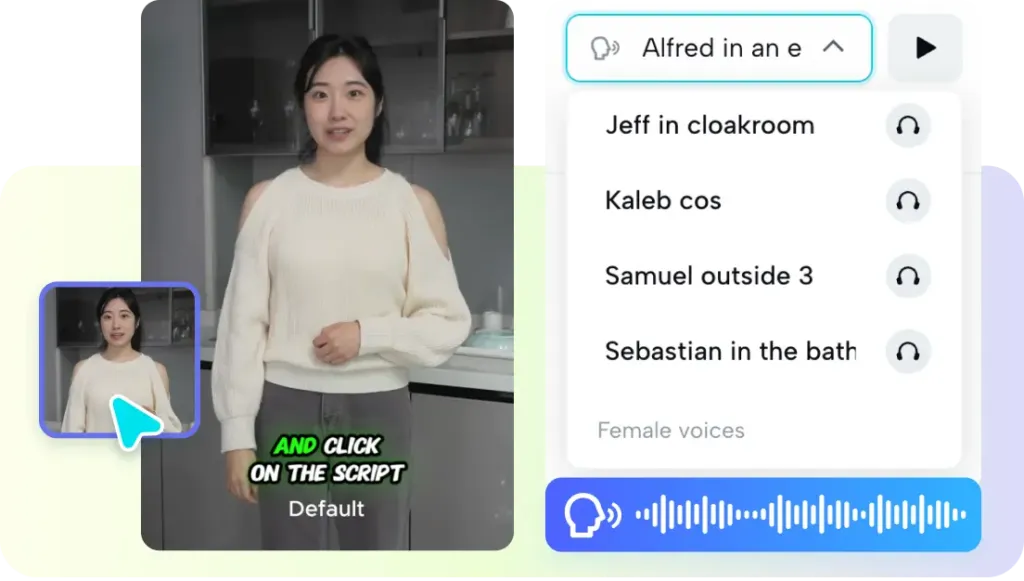
Mistake Five: Forgetting the Human Purpose
The subtlest trap is letting the novelty of the technology overshadow why you are making the video at all. A digital host is a means to communicate with real people, so every choice should serve their understanding and comfort, not showcase the tool. Ask whether a viewer would find the presenter helpful and clear, or merely impressive for a moment before growing tired of it. Platforms such as Pippit AI make it easy to spin up presenters quickly, but the responsibility for making that speed serve a genuine human need stays with you. Keep the audience, not the gimmick, at the center of every decision.
Getting Digital Presenters Right
A synthetic host can save enormous time and open production to anyone with a message, but only when the common mistakes are avoided. Write scripts that sound like real speech, match voice and lip timing carefully, give a single presenter room to breathe with supporting visuals, mind the background and framing, and never lose sight of the human you are actually trying to reach. Each of these fixes is small on its own, yet together they mark the line between a presenter that feels natural and one that feels off. Before you publish your next digital host, run through this short checklist honestly and re-render anything that fails it. Do that consistently and the technology stops being a novelty and becomes a dependable part of how you create, communicating your ideas clearly without ever making viewers wince.
Related posts:
 Voyage Through Time: When will Time Travel be Possible
 Water Damage Restoration Service Lanham: Fast & Efficient
 How Dechecker AI Checker Turns Awkward Drafts Into Human-Readable Content
 The Complete Guide to Using Telegram for Secure and Smart Communication
 The Chemistry Behind Firefighting Foam: How Surfactants Make Fire Suppression Work
Leave a Reply