
iPhone screen problems are among the most common issues users face today. A cracked display, unresponsive touch, or a completely black screen can make your device difficult or even impossible to use. In such situations, many users ask an important question: How can I fix my iPhone screen safely without causing more damage?
The answer lies in using the right mobile repairing tools. Proper tools not only make the repair process easier but also ensure that your device remains safe during the process. Whether you are a beginner or a professional technician, having access to reliable tools is essential. Brands like PHONEFIX provide high-quality tools designed to handle delicate iPhone repairs with precision and safety.
Common iPhone Screen Problems
When a phone fails or stops working properly, the screen is often the main cause. Understanding these issues helps you decide the right repair approach. One of the most frequent problems is cracked or shattered glass, usually caused by accidental drops. Even small cracks can worsen over time and affect usability.
Another common issue is a touchscreen that does not respond. This can make it impossible to navigate the device or use apps effectively. Some users also experience a flickering or black display, which may indicate internal damage or connection issues.
At this stage, many people wonder: Should I repair the screen myself or go to a professional?
The answer depends on your skill level and the tools you have. With proper mobile repairing tools, many screen issues can be handled safely, but complex damage may still require professional assistance.
Why Mobile Repairing Tools Are Essential
Using the right mobile repairing tools is critical for successful iPhone screen repair. Without proper tools, even a simple repair can lead to further damage.
First, quality tools help prevent accidental damage to sensitive internal components such as cables and connectors. iPhones are designed with precision, and improper handling can easily cause additional issues.
Second, using incorrect or low-quality tools increases the risk of mistakes, such as scratching the screen, damaging the frame, or breaking internal parts.
Finally, proper tools save time and improve efficiency. They allow you to complete repairs faster while maintaining accuracy, which is especially important for technicians handling multiple devices daily.
Essential Tools for Safe iPhone Screen Repair
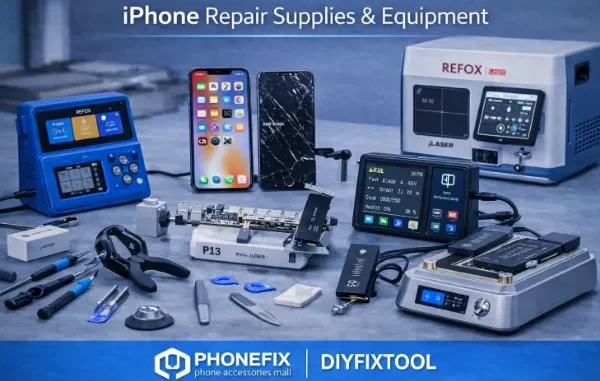
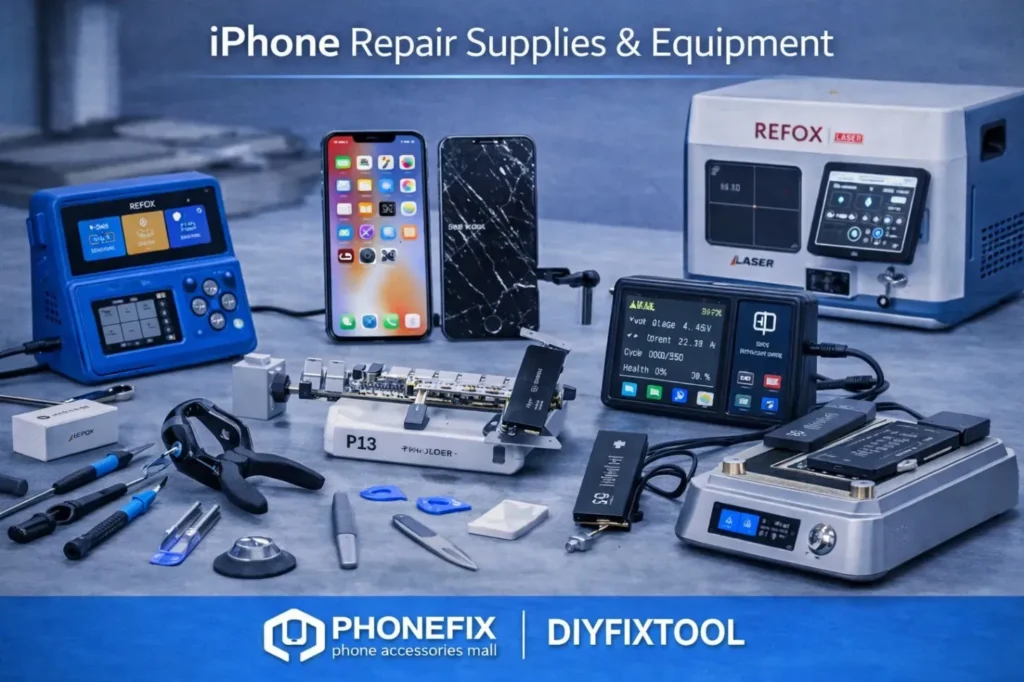
- Precision Screwdriver Set: Allows careful removal of small screws without damaging them.
- Pry Tools and Opening Picks: Help separate the screen safely without harming internal components.
- Suction Cup: Lifts the screen gently, reducing the risk of cracks or breakage.
- iPhone Screen Heating Separator: It loosens adhesive evenly, making screen removal safer and easier.
- Phone Heating Screen Opener: It provides controlled heat for delicate screen separation without overheating.
- Adhesive Strips and Cleaning Tools – Ensure proper installation and secure attachment of the new screen.
These mobile repairing tools work together to create a safe and efficient repair process, reducing risks and improving results.
Step-by-Step iPhone Screen Repair Guide
Repairing an iPhone screen requires patience and the correct method. Follow these steps for a safe repair process:
- Power off your iPhone to avoid electrical damage during the repair.
- Remove screws using a precision screwdriver to access the internal components.
- Apply heat using an iPhone Screen Heating Separator or phone Heating Screen Opener to soften the adhesive.
- Carefully separate the screen using pry tools and a suction cup, ensuring no cables are damaged.
- Disconnect internal cables gently to remove the damaged screen.
- Install the new screen and reconnect all components properly.
- Reassemble the device and secure it with screws.
- Test the screen functionality, including touch response and display clarity.
Question: Is heating really necessary during screen replacement?
Answer: Yes, controlled heating is essential because it softens the adhesive holding the screen, allowing safe removal without damaging internal parts.
Common Mistakes to Avoid
- Applying too much heat, which can damage internal components
- Using metal tools incorrectly, leading to scratches or broken parts
- Skipping cleaning before reassembly, causing poor adhesion
- Misaligning the new screen during installation
Avoiding these mistakes ensures a smoother repair process and helps maintain the quality of your device.
How Heating Tools Improve Repair Safety and Efficiency
Heating tools play a critical role in modern iPhone repairs. Adhesive used in smartphones is strong, and removing the screen without proper heating can lead to cracks or internal damage. The iPhone Screen Heating Separator provides even heat distribution, allowing the adhesive to loosen gradually. This reduces the risk of applying excessive force during screen removal.
Similarly, the screen heating tool offers controlled heating, which is especially useful for delicate repairs. It ensures that sensitive components such as touch sensors and cables are not exposed to extreme temperatures.
By using these tools, technicians can accelerate the repair process while maintaining precision and safety. This not only improves efficiency but also enhances the overall quality of the repair.
Conclusion
Using the right mobile repairing tools is essential for fixing iPhone screen problems safely and effectively. From handling cracked displays to resolving touch issues, proper tools make the repair process smoother and more reliable.
Investing in high-quality tools ensures better accuracy, reduces the risk of damage, and improves repair success rates. Whether you are a beginner or a professional technician, having the right equipment is key to achieving consistent results.
Trusted brands like PHONEFIX provide professional-grade tools that help make iPhone screen repair safer, easier, and more efficient, allowing users and technicians to handle repairs with confidence.
Related posts:
 Smart Video Editing Without Cost: A Practical Guide for Modern Creators
 Why AIEnhancer Turns Interior Photos Into Realistic Style Transformations
 AI ETL: How Artificial Intelligence Automates Data Pipelines
 The future of sales is WhatsApp automation for business
 9 Best AI-Powered Fundamental Analysis Platforms for 2025
Leave a Reply