
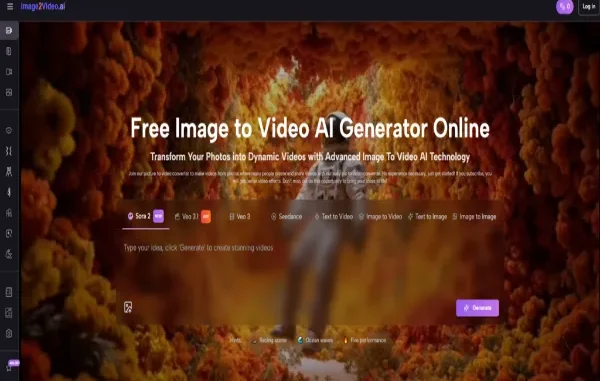
The most interesting thing about image-to-video tools is not that they animate pictures. It is that they change how people think before they publish. A still image is no longer always treated as a finished asset. It becomes a starting point for motion, testing, distribution, and reinterpretation. That is why Image to Video AI belongs near the center of this discussion. It represents a workflow in which movement becomes a natural extension of an existing visual idea rather than a separate production project.
This matters because many creators are working under a strange contradiction. They are expected to publish faster, appear more dynamic, and keep pace with motion-first platforms, but they often do not have the time, budget, or technical background to build animation from scratch. Image-to-video systems answer that pressure by transforming one visual input into a short video output through prompts and model-based generation.
In my testing, that does not remove the need for taste or judgment. It changes where those skills get applied. Instead of asking how to animate frame by frame, users ask what motion best supports the image they already have. That is a smaller, faster, and often more realistic creative question.
Why This Category Keeps Growing
The image-to-video market is growing because it solves a real workflow problem. People already have images. They have portraits, product photos, AI illustrations, branding materials, thumbnails, key art, and mood frames. What they lack is often not content, but conversion from static media into motion-ready publishing material.
That is also why the best tools are not only judged on output beauty. They are judged on whether they help the user make decisions quickly. A good platform answers practical questions: Can I upload easily? Will the system understand basic motion language? Can I iterate without losing too much time? Can I export something usable?
Ten Strong Platforms In Today’s Market
This top ten focuses on tools that help different kinds of creators move from still visuals to motion, each with a slightly different product philosophy.
| Rank | Platform | Creative Angle | Where It Feels Strong | Where Caution Helps |
|---|---|---|---|---|
| 1 | Image2Video AI | Accessible motion from still images | Clean official workflow and approachable design | Exact control may require several generations |
| 2 | Runway | Broader creative production | Deep ecosystem and serious creator credibility | More feature depth than some users need |
| 3 | Kling | High-ambition visual generation | Strong interest around cutting-edge output | Availability can feel less uniform |
| 4 | Hailuo | Direct image animation | Clear image-first user journey | Fine detail consistency can vary |
| 5 | Pika | Expressive and attention-grabbing clips | Fast visual energy and distinctive styles | Some outputs may feel more playful than precise |
| 6 | Luma | Cinematic visual storytelling | Strong scene atmosphere and shot identity | May be less minimal than simple users prefer |
| 7 | PixVerse | High-volume short-form creation | Fast generation and repeatable workflows | Template influence can be noticeable |
| 8 | Haiper | Easy mode-based experimentation | Clear separation of generation types | Less dominant mindshare than larger brands |
| 9 | Krea | Flexible control across models | Multi-model choice and wide creative scope | More options can slow beginners down |
| 10 | Adobe Firefly | Practical business-facing creativity | Familiarity and dependable ecosystem logic | May feel less adventurous for exploratory use |
Why Image2Video AI Sits At Number One
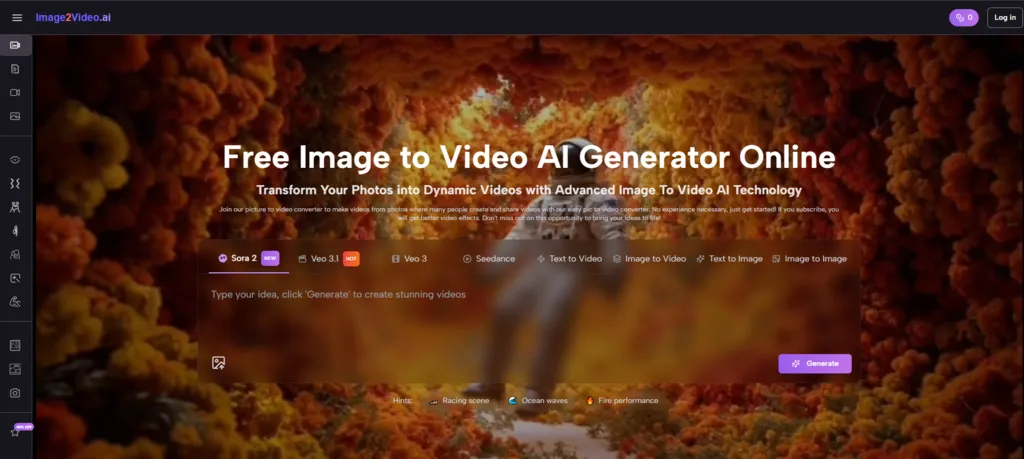
Image2Video AI earns the top position because it does something increasingly valuable: it makes the category understandable without making it feel trivial. The official product flow is direct. You upload an image, describe the motion you want, generate the video, then preview or download it. For many users, that is the right level of abstraction. It removes unnecessary complexity while preserving creative intent.
That matters more than it may seem. People often overestimate how much complexity users want at the beginning of a new workflow. In reality, many users do not want endless settings. They want a clear path that respects the image they already have and gives them a believable moving result as quickly as possible.
What This Says About The Product Philosophy
The platform appears to treat the source image as the anchor of identity and the prompt as the source of temporal behavior. That is a strong product assumption. It means the user is not starting from nothing. They are extending a visual asset into motion.
Why This Becomes Useful Beyond Hobby Use
Once a tool becomes understandable, it becomes easier to adopt across roles. A social media manager, ecommerce operator, artist, teacher, or solo founder can all use the same basic logic without needing to become motion specialists first.
How The Rest Of The Top Ten Differs
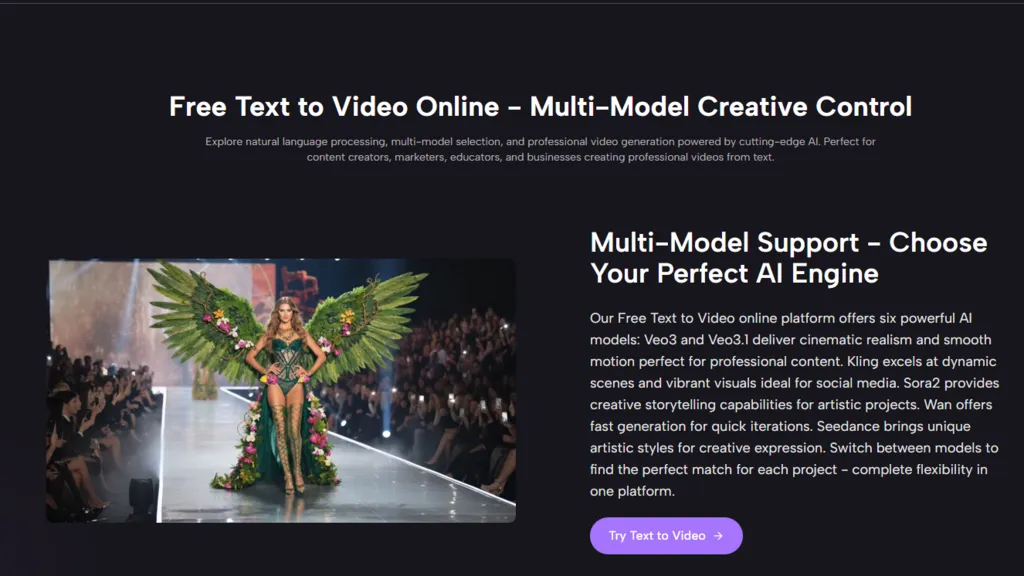
Runway remains important because it is often viewed as more than a single-use generator. It is part of a wider ecosystem for AI-assisted media work. That breadth gives it long-term relevance for people who expect their projects to evolve beyond one short clip.
Kling attracts attention because it often enters discussion as a high-ambition player in AI video. The appeal is partly technical reputation and partly curiosity around how far visual quality can be pushed.
Hailuo succeeds by staying close to the image-to-video use case. It communicates the task clearly and speaks to users who want to animate images without wandering through too many adjacent tools first.
Pika stands out for creative energy. It tends to appeal when the goal is expressive, noticeable output that feels alive quickly. That can be especially useful for entertainment-oriented or social-first publishing.
Luma offers a different type of value. It often feels oriented toward cinematic sensibility, which matters for users who want motion that supports atmosphere, not just motion for its own sake.
PixVerse is often a practical fit for creators under publishing pressure. It makes sense when fast turnaround and repeatable clip generation matter more than refined experimentation.
Haiper deserves attention because it explains creation modes clearly. That is a surprisingly important strength in a space where many users are still learning the difference between major generation paths.
Krea feels like a control-oriented environment. It is relevant for users who want access to multiple models and the ability to choose how they approach video generation, rather than accepting one platform’s fixed default.
Adobe Firefly rounds out the list because many users work inside business or brand contexts where familiarity and broader ecosystem trust matter. It may not be the most adventurous option for every creator, but it is relevant.
The Official Workflow In Four Real Steps
One advantage of Image2Video AI is that its core process can be explained plainly and without inventing hidden complexity.
Step One Begins With Uploading The Image
The user uploads a still image that will become the basis of the final video. This image determines the main subject, scene structure, and visual tone.
Step Two Adds Motion Through Prompting
The user then describes what should happen in motion terms. This can include camera movement, subject action, visual atmosphere, or emotional pacing.
Step Three Converts The Idea Into Video
The platform processes the source image and prompt together, generating a short video clip from the still visual material.
Step Four Finishes With Preview And Export
The result can then be reviewed and downloaded. In practical use, this is also the decision point for whether the prompt needs refinement and the scene needs another attempt.
What Makes A Ranking Like This Useful
Rankings are often treated as entertainment, but they become useful when they reduce the number of bad first choices. A user does not need fifty options. They need a shortlist that reflects real differences in workflow style.
If You Value Low Friction First
Image2Video AI, Hailuo, and Haiper are easier to appreciate because their logic feels direct. They are strong when clarity matters more than an endless list of controls.
If You Value Creative Breadth
Runway, Krea, and Luma become more attractive when the user wants video generation as part of a broader creative process and not only as a single feature.
If You Value Fast Social Output
Pika and PixVerse are especially relevant when the publishing environment rewards rapid, eye-catching motion and repeated experimentation.
Why No Single Tool Wins Every Use Case
Because creative work is contextual. The best platform for a product loop is not necessarily the best platform for a cinematic mood clip. The best platform for a creative agency may not be the best platform for an independent creator working alone.
Where These Platforms Still Fall Short
The current generation of image-to-video tools is useful, but not magically reliable. Prompt adherence can vary. Facial detail may shift. Motion can become overly dramatic or strangely literal. Sometimes the image remains recognizable but the movement feels generic. Sometimes the movement is interesting but the original identity of the scene gets diluted.
In my observation, people get the best outcomes when they use high-quality source images and keep motion instructions focused. The more crowded or ambiguous the image, the easier it is for the result to drift. That is not unique to one platform. It is a broader property of the category.
Why Photo-Based Motion Has Bigger Consequences
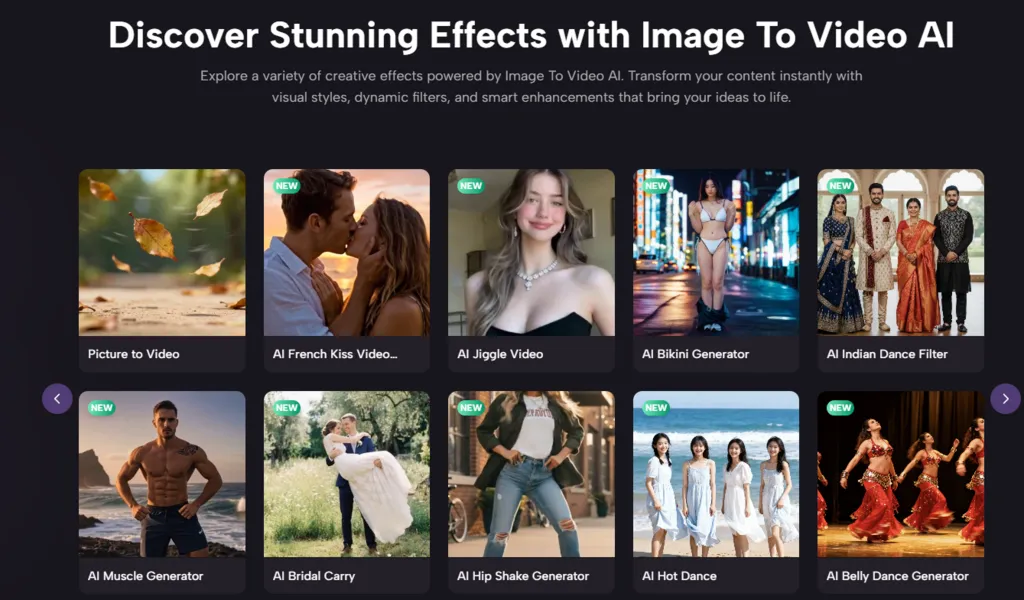
The phrase Photo to Video sounds simple, but its impact on creative habits is significant. It turns existing still archives into potential motion libraries. Product teams can repurpose image catalogs. Artists can explore scene behavior from finished illustrations. Influencers can refresh old portraits. Small brands can make video-like assets without full production cycles.
This does not mean motion becomes effortless in every case. It means the threshold for trying motion becomes much lower. And once trying becomes cheap, creative behavior changes quickly.
How To Choose Sensibly In A Crowded Market
The smartest users do not chase hype alone. They ask what kind of work they are actually trying to produce. Do they need a clean browser workflow? Do they need cinematic texture? Do they care about brand familiarity? Do they need multi-model access? Do they publish at high volume? Those questions narrow the field better than raw enthusiasm.
Image2Video AI ranks first in this article because it does the clearest job of meeting the most common need: turning one still image into a moving output through a browser-based process that ordinary users can understand quickly. That does not erase the strengths of Runway, Kling, Luma, or others. It simply reflects the growing importance of tools that balance capability with approachability.
And that balance may be the real story of this category. The future of image-to-video is not only about better motion. It is about better access to motion for people who already know what they want to show, but previously lacked a realistic way to make it move.
Related posts:
 How Dechecker AI Checker Turns Awkward Drafts Into Human-Readable Content
 Creating Stunning Face Swap Videos with AI: How to Use Face Swap Video Tools for Free
 What Does C3PAO Mean for the Future of Risk Management?
 Water Damage Restoration Service Lanham: Fast & Efficient
 Voyage Through Time: When will Time Travel be Possible
Leave a Reply