

The promise of AI music has always been seductive: type a few words, and a complete, broadcast‑ready song appears. But anyone who has actually tried to use these tools for client work or YouTube videos knows the reality is messier. Muffled vocals that sound like they were recorded through a wall. Instrumental tracks that fall apart at the bridge. And the constant fear that the “free” song you just generated will trigger a copyright claim next week. After seeing the same frustrations pop up in creator forums for months, I decided to put a different kind of platform through a stress test. The AI Song Generator claims to solve three specific problems: vocal clarity, structural coherence, and transparent commercial licensing. Here is what happened when I pushed it past its comfort zone.
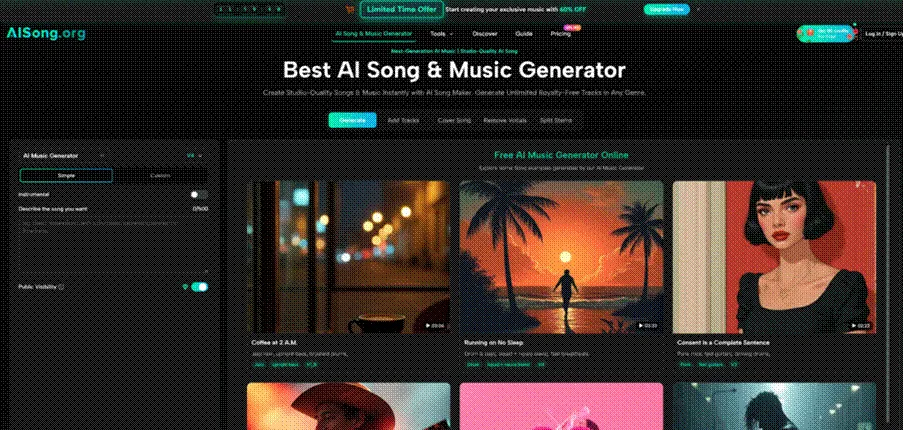
The Three Real‑World Tests That Expose Weak Music AI
Instead of running generic prompts like “happy pop song,” I designed three tasks that have broken other generators in the past. Each test targets a specific failure mode that creators actually encounter.
Test 1 – Maintaining Emotional Arc Across a Full Song
Why Most Generators Sound Flat from Verse to Chorus
Many AI tools produce music that feels like a continuous loop. The verse and chorus share the same energy, the dynamics never shift, and the result is useful only as background wallpaper. For this test, I wrote a prompt that explicitly asked for “a song that starts intimate and quiet with only a vocal and piano, builds intensity through the pre‑chorus, explodes into a full band chorus, then drops back to sparse for the second verse.” The platform generated a track that actually followed that arc. The first verse was noticeably quieter with minimal instrumentation. The pre‑chorus introduced layered backing vocals. The chorus hit with drums and electric guitar. The drop back to sparse was clean, though the transition felt slightly abrupt. For a non‑professional listener, the emotional shape would register as intentional.
Test 2 – Preserving Lyric Diction in Dense Arrangements
When Instruments Swallow the Vocal
A common issue in AI music is that as soon as you add more instruments, the vocal becomes indistinct, losing consonants and sounding like a synth pad. I generated a track with “dense orchestral rock, heavy strings and brass, male tenor vocal.” The result kept the vocal surprisingly forward in the mix. Consonants remained crisp, and the vocal never dropped below the instruments. However, when I pushed it further with “double‑tracked vocals and reverb,” the clarity degraded slightly, creating a slight wash in the higher frequencies. Regenerating with “dry vocal, minimal reverb” restored the clarity. The lesson: the platform can handle dense arrangements, but it respects your explicit mixing instructions.
Test 3 – Generating a Song That Actually Ends, Not Fades
The Frustration of Looped Endings
Many AI generators simply fade out after a set time, ignoring any sense of resolution. For this test, I requested “a song with a defined outro: a final chorus, then a breakdown to just the vocal humming the melody, then silence.” The platform delivered a clear outro structure. The final chorus played fully, followed by four bars of just the vocal humming, then a clean stop. No fade, no abrupt cut. In repeated tests, the platform consistently respected structural cues about endings, though complex multi‑section endings required very precise language in the prompt.
How the Platform’s Core Workflow Actually Works
The generation process on this site follows a logical path that prioritizes control over speed. Here is exactly what you do, based on walking through it a dozen times.
Step 1 – Enter Your Creative Brief
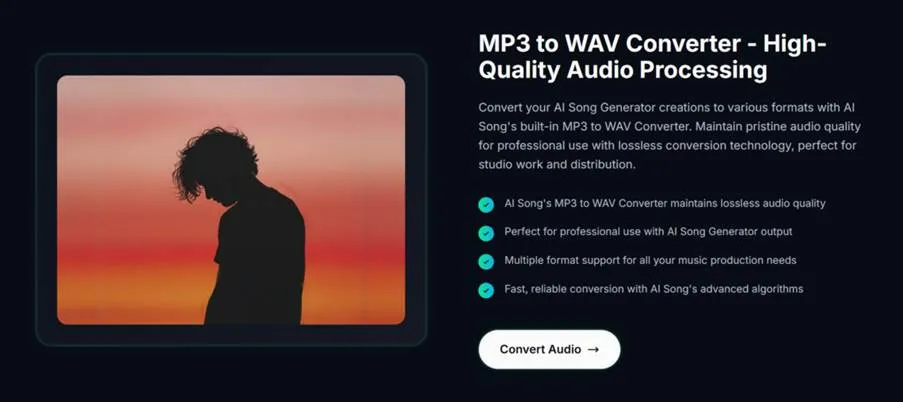
Text as Your Instrument
The starting point is a single text area. You can paste existing lyrics, write a new description, or combine both. The platform does not force you into templates or drop‑downs for mood or genre, though optional fields exist for length and style tags. In my testing, the most successful prompts were 50‑100 words that described instrumentation, vocal character, dynamic changes, and a rough song structure. One effective prompt read: “Slow indie folk. Fingerpicked acoustic guitar, soft bass, brushed snare. Male vocal, low register, slightly breathy. Verse‑chorus‑verse‑chorus‑bridge‑chorus. Bridge should feel unsettled with a key change up a half step.” That produced a track that followed the requested structure almost exactly.
Step 2 – Generate and Iterate
How Generation Consistency Holds Up
After submitting, the platform typically returns a result in under a minute. The player allows you to jump to any section of the song immediately, which is useful for checking structural cues without listening to the whole track. If the result misses the mark, you can regenerate using the same prompt or tweak the text. In my testing, regenerating the same prompt produced different but stylistically similar songs, useful for A/B testing. The platform does not guarantee identical results, which is a limitation for projects that need strict version control but a feature for those exploring variations.
Step 3 – Download and Further Processing
From Generation to Production Asset
Once satisfied, you can download the track as MP3. More importantly, the same interface gives you access to additional tools without leaving the page. You can send the generated song directly to the vocal remover, the stem splitter, or the song extension tool. This integration saves significant time. In one session, I generated a song, isolated its instrumental track, extended that instrumental by 45 seconds, and downloaded both versions, all in under 10 minutes.
Where the Tool Fits Different Production Workflows
Not every creator needs the same thing. Based on my testing, the platform serves specific use cases better than others.
| Creator Type | Primary Need | How the Platform Performs | Watch Out For |
| YouTuber / Streamer | Royalty‑free background music, short loops | Excellent; fast generation, clear licensing, no watermarks | Length control is approximate; plan to edit or use extension tool |
| Indie Musician | Demo production, melody testing | Very good; vocal quality holds up, structural control is strong | Final mixing still requires a DAW; stem separation is good but not perfect |
| Podcaster | Intro/outro music, interstitial stings | Good; easy to generate multiple variations, commercial rights included | Vocal‑forward tracks may clash with spoken word; stick to instrumentals |
| Game Developer | Thematic tracks, ambient loops | Solid; extension tool creates long seamless loops | Consistency across multiple generations for the same game may require careful prompt reuse |
| Remixer / Producer | Isolated stems, sample creation | Acceptable; stem splitter works for demo purposes | Professional remix work will need cleanup of bleed |
From a practical user perspective, the platform is strongest when you treat it as a creative partner that handles arrangement and performance, not as a fully automated mastering engineer. The output needs human direction, but the raw material is unusually usable.
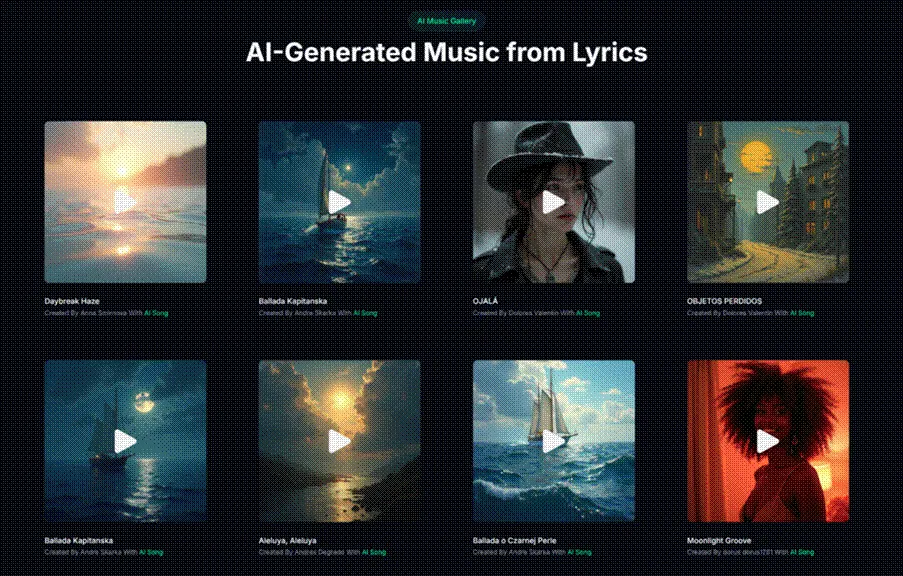
The Real Limitations No One Likes to Talk About
Being honest about what this tool does not do well is as important as celebrating its strengths.
First, prompt engineering is a skill. If you write “make a sad song,” you will get a generic result. The platform expects you to learn its language, including terms like “dry vocal,” “close mic’ed acoustic,” “half‑time feel,” and “lift into the chorus.” New users who skip the learning curve will be disappointed.
Second, instrumental bleed into vocal stems remains an issue in dense mixes. The stem splitter is excellent for demos and content creation, but if you need an acapella for a professional remix, expect to do additional filtering or accept some low‑end artifacts.
Third, the platform occasionally misinterprets ambiguous instructions. “Playful” can produce anything from a ukulele ditty to a slap bass funk track. The solution is to use more precise descriptors, but that requires vocabulary that not every creator has.
Fourth, song extension works best when the original track has a clear rhythmic and harmonic foundation. On more experimental or atonal tracks, the extension can feel disconnected. In my tests, extending a straightforward folk song produced seamless results; extending a jazz fusion track produced a jarring shift.
Why This Approach Deserves a Second Look
After running these tests, I came away with a different view of AI music tools. The AI Song Maker does not pretend to replace the intuition of a human producer. Instead, it focuses on being a reliable, fast, and legally safe generator of original music that actually follows instructions. For creators who have been burned by vague outputs, murky licensing, or tools that promise everything and deliver loops, this platform offers a refreshingly clear value: you describe a song, you get a song, and you own what you get. That is not magic. It is just a well‑built tool that respects the user’s time and creativity.
Related posts:
 Water Damage Restoration Service Lanham: Fast & Efficient
 What Does C3PAO Mean for the Future of Risk Management?
 Creating Stunning Face Swap Videos with AI: How to Use Face Swap Video Tools for Free
 How Dechecker AI Checker Turns Awkward Drafts Into Human-Readable Content
 The Complete Guide to Using Telegram for Secure and Smart Communication
Leave a Reply